I redesigned Outlook to reduce inbox anxiety —
and made emails actually enjoyable to open.
Project type
Redesign
MENU
Open to work
lusalcedoc@gmail.com
I’m currently available for new work,
let me know if you need a digital
designer.
I’d love to talk about the next big thing!
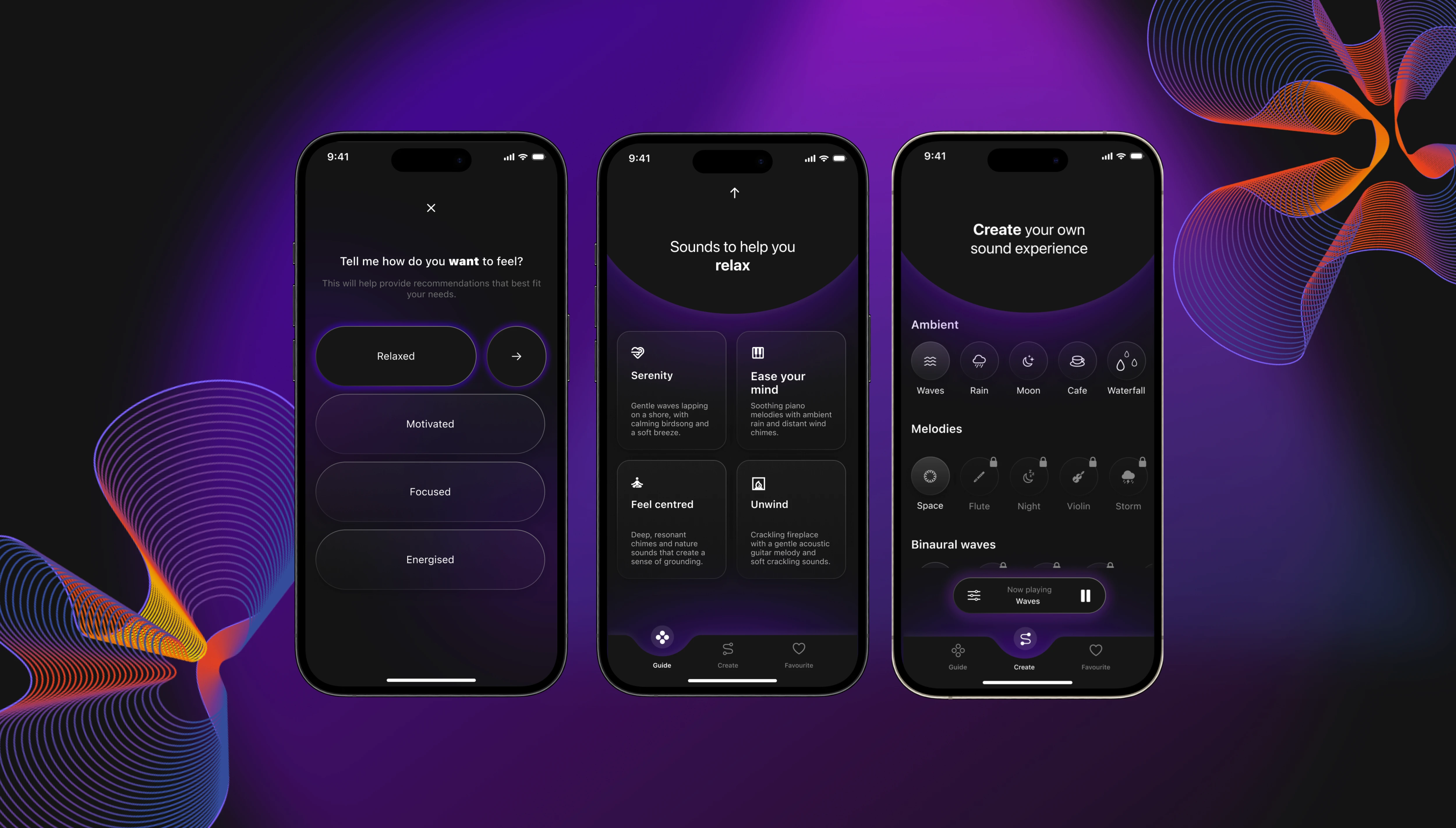
*
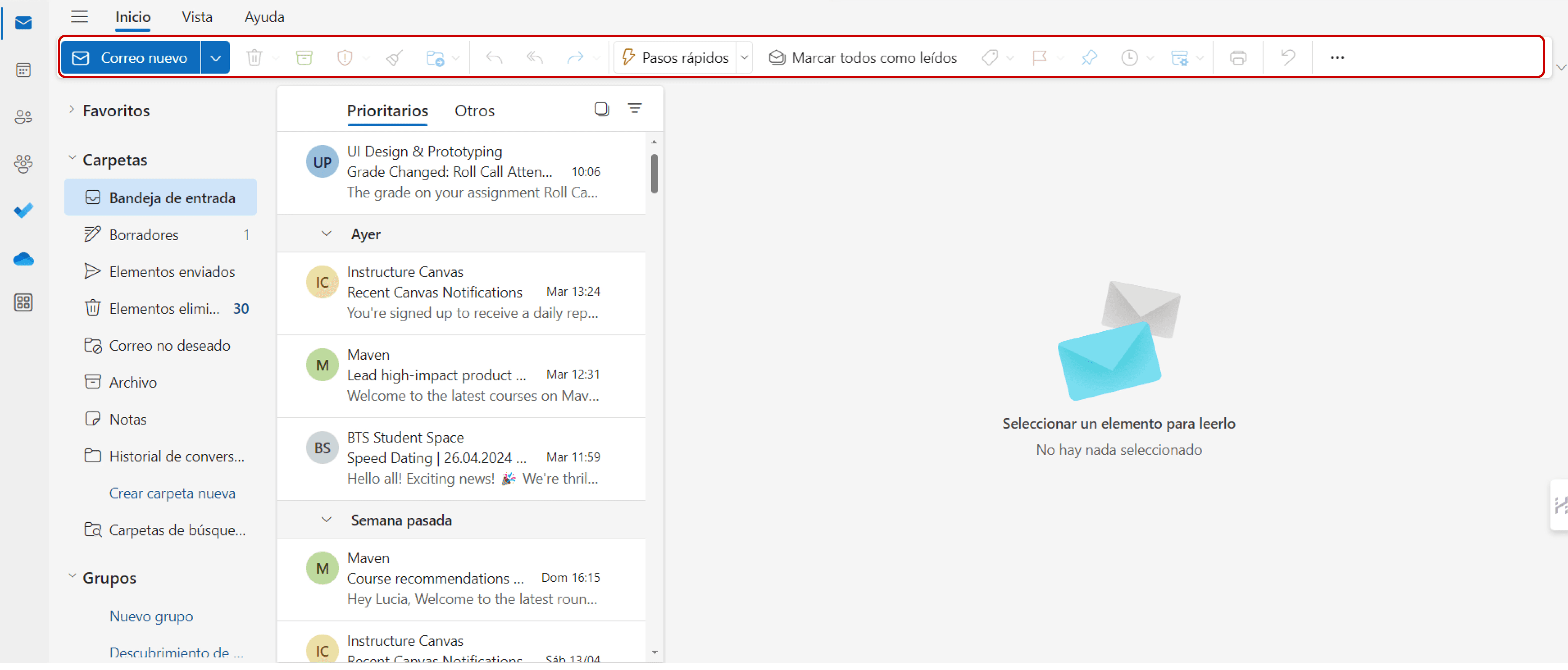
Removed Disabled Buttons
If something's not usable, why show it? I removed all disabled buttons from key pages, keeping the interface clean and actionable.
This reduced friction and gave users a stronger sense of control.
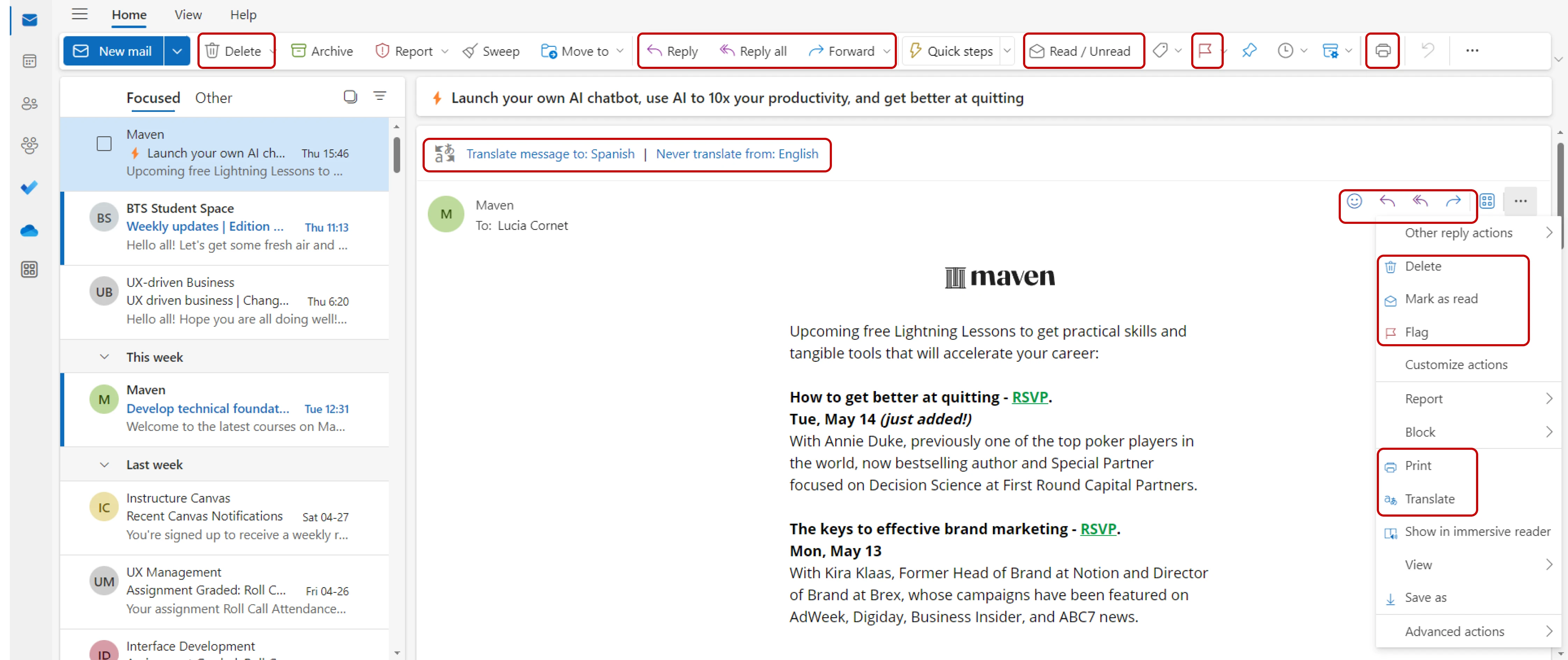
Streamlined Redundant Actions
Streamlined Redundant Actions.
Less clicking around. More getting things done.
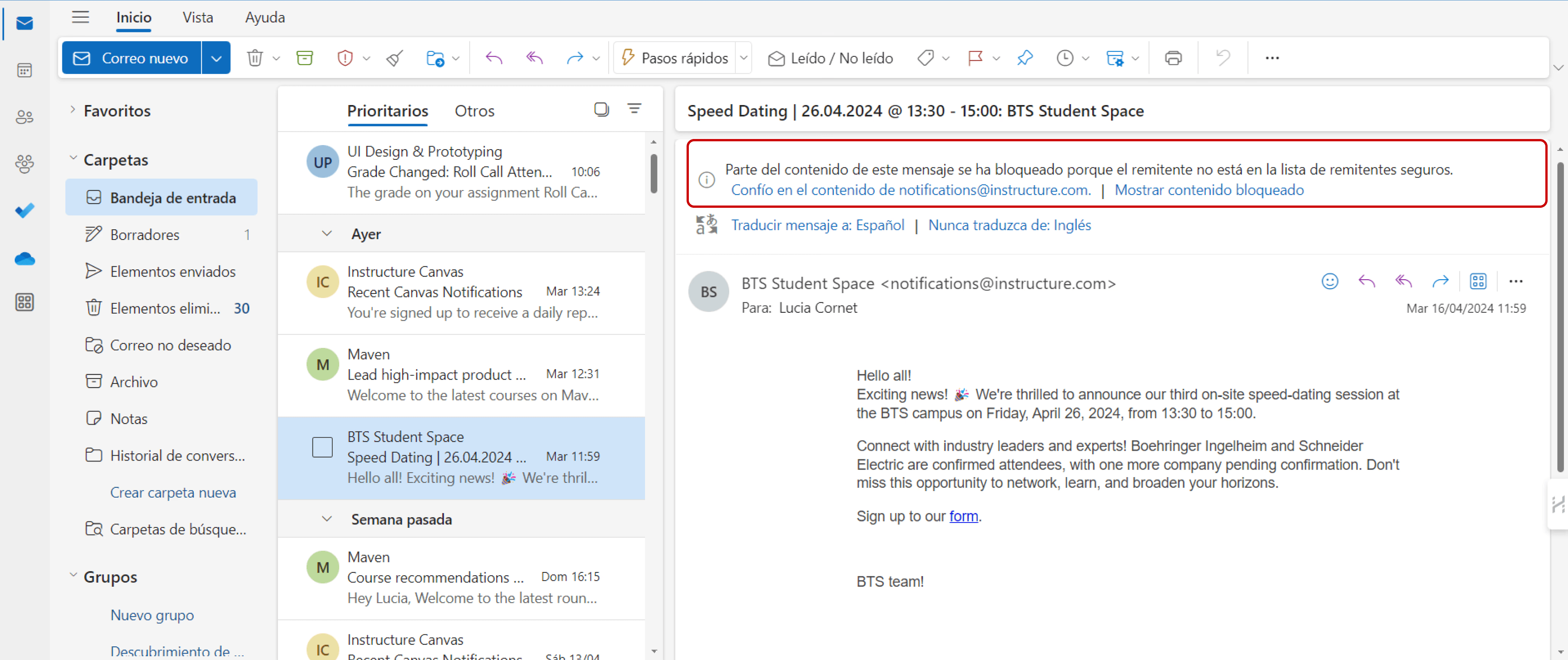
Clearer Warnings, Better Feedback
Redesigned alert messages now come with clear language and visible, meaningful call-to-actions.
No more guesswork—just straightforward next steps.
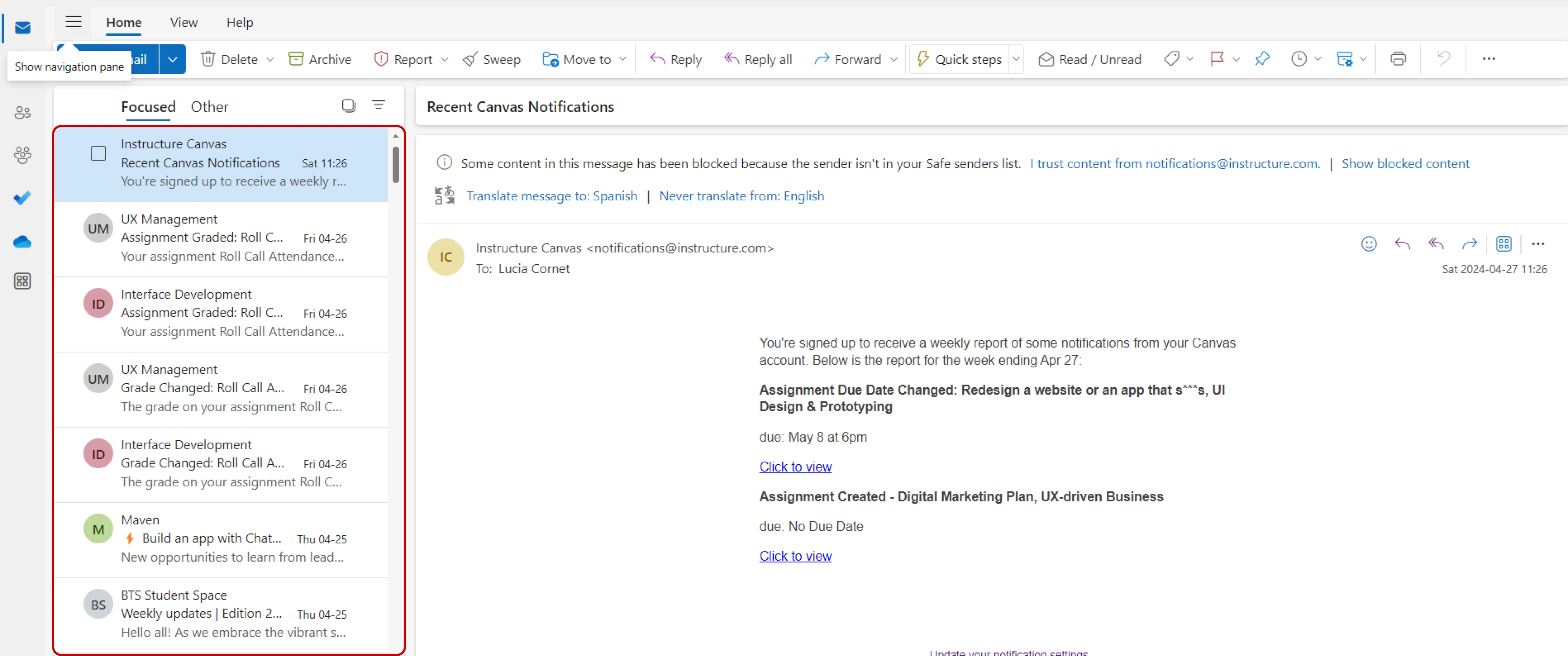
Cleaner, Friendlier Email Layout
I redesigned the inbox to highlight what really matters: the sender and subject. Less clutter, more clarity.
Now users can scan and find what they need in seconds—not minutes.
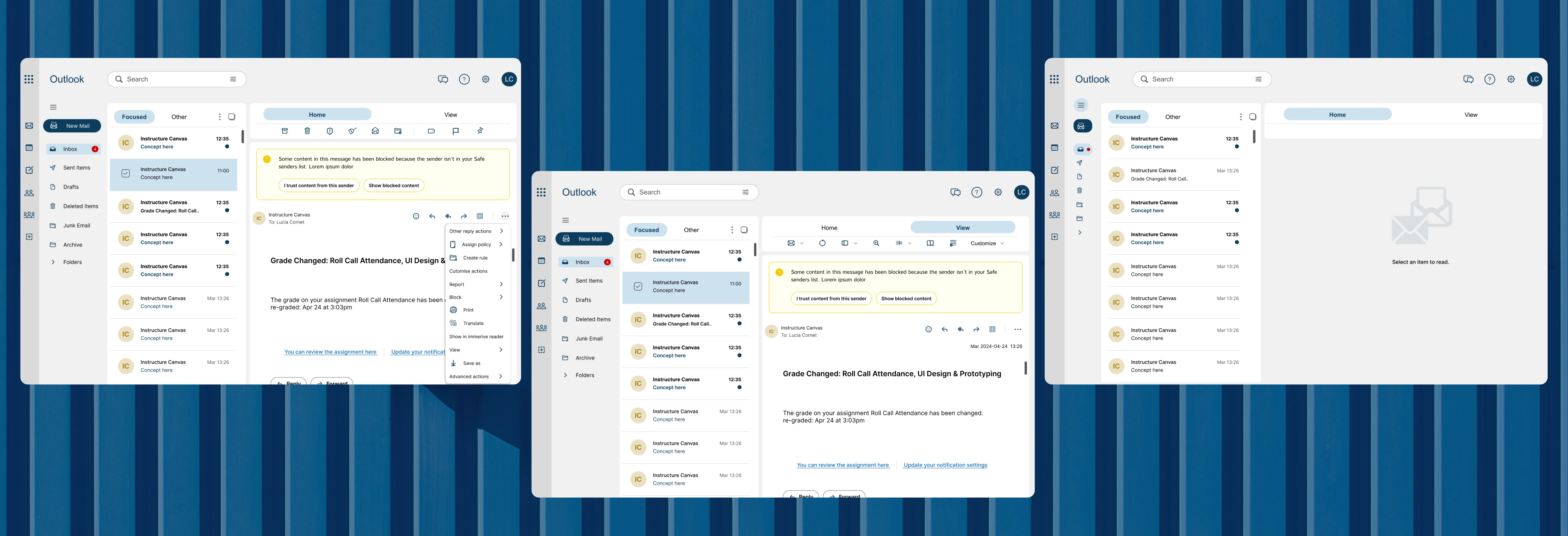

By giving Outlook a modern UI and rethinking its information architecture, I turned a cluttered experience into a calm, functional, and user-friendly space.
Let’s be honest: using the old version of Outlook felt more like surviving than navigating.
The problem
Here’s what was tripping users up:
Too much, too soon: Right after login, users were hit with walls of information and tons of disabled buttons. It was hard to know where to start.
Same actions, different places: Repeating the same steps across different parts of the platform wasn’t just annoying—it slowed everything down.
Vague warnings: Important alerts felt like riddles. Instead of helping, they left users guessing.
Cluttered inbox: The email layout was visually overwhelming, making it hard to find anything quickly.
Process
I ran the heuristic analysis, restructured the information architecture, redesigned the UI, and prototyped key flows for validation.
Understanding the user
Although I didn’t run fresh interviews for this redesign, I based my decisions on common usability heuristics and observable pain points within the UI.
The overwhelming clutter and lack of affordances were red flags from the start.
Design Solutions That Made a Difference
Outcome
While this was a conceptual redesign, the goal was to improve overall usability and reduce cognitive load.
If implemented, I’d expect:
Significant Reduction in Task Friction: Through a restructured information hierarchy, users would navigate their workflow with an estimated 40% less cognitive effort.
This projection is based on a heuristic evaluation of the redesign, which effectively halved the number of competing visual elements and primary decision points compared to the original interface.
A Shift in Digital Well-being: By eliminating visual noise and decluttering the interface, the design would significantly lower "inbox anxiety," transforming the email experience into a calm and focused environment.
Prevention of Attention Fatigue: The implementation of a human-centric layout—prioritizing whitespace and typographic clarity—would minimize information overload, allowing users to maintain productivity during long work sessions.
Intuitive Feature Discovery: By simplifying the primary navigation, the expected impact is a more natural adoption of tools, making the interface accessible for both power users and beginners without a steep learning curve.
Reflection
This project reminded me how much design can shape emotion.
Something as small as a button or layout decision can turn a stressful experience into a calm, empowering one.
My biggest takeaway?
It’s not about showing everything—it’s about showing what matters, when it matters.